Our method
How our color analysis works
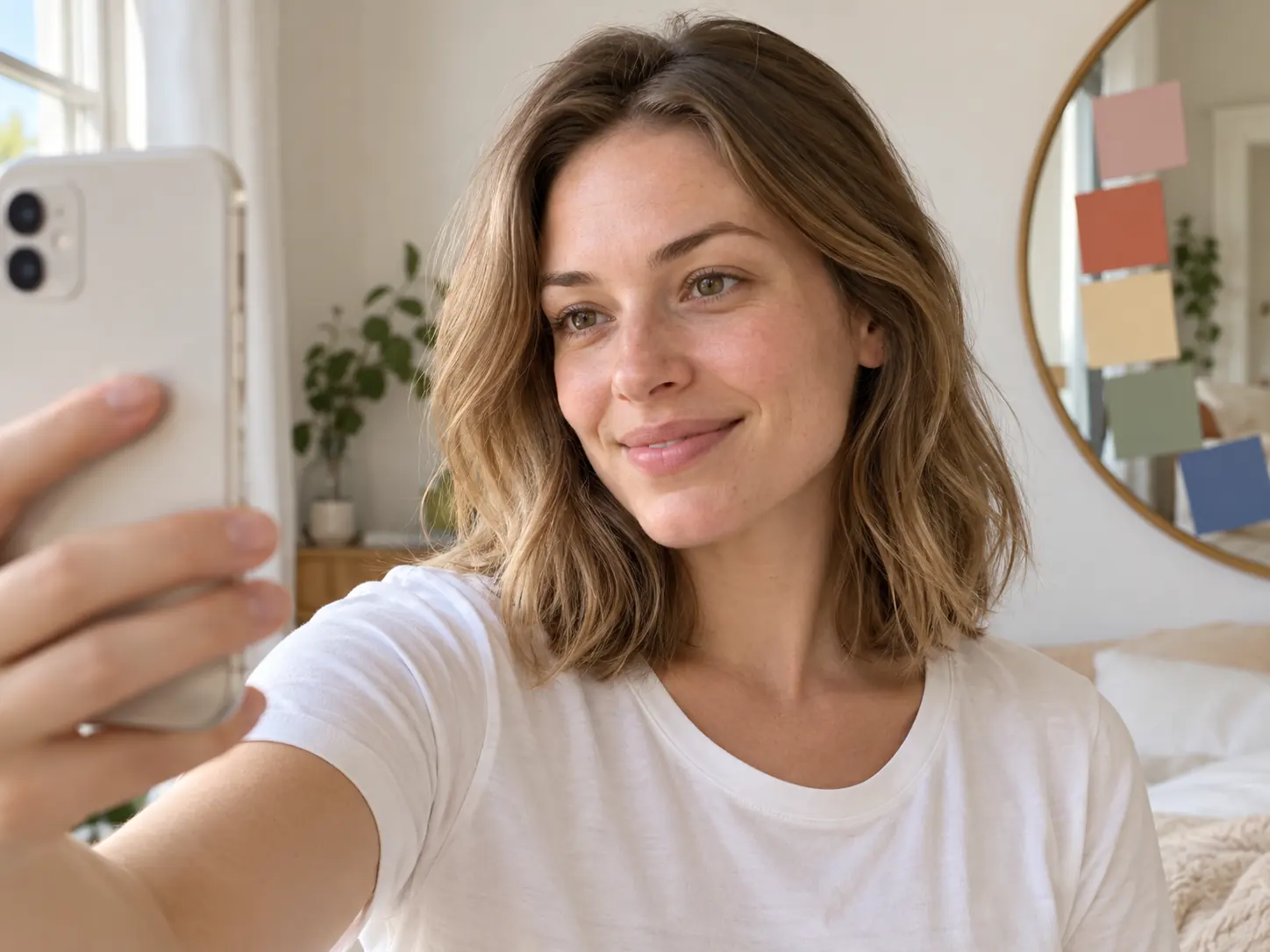
DoColorAnalysis runs a structured version of an in-person color analysis: one AI vision model looks at a daylight selfie, reads the color of your skin, natural hair and eyes, rates four traits (undertone, value, chroma and contrast) and matches them to the 12-season system. Our code checks every answer before you see it, each report names a runner-up season and a confidence level, and your photo is deleted after 30 days.
Updated
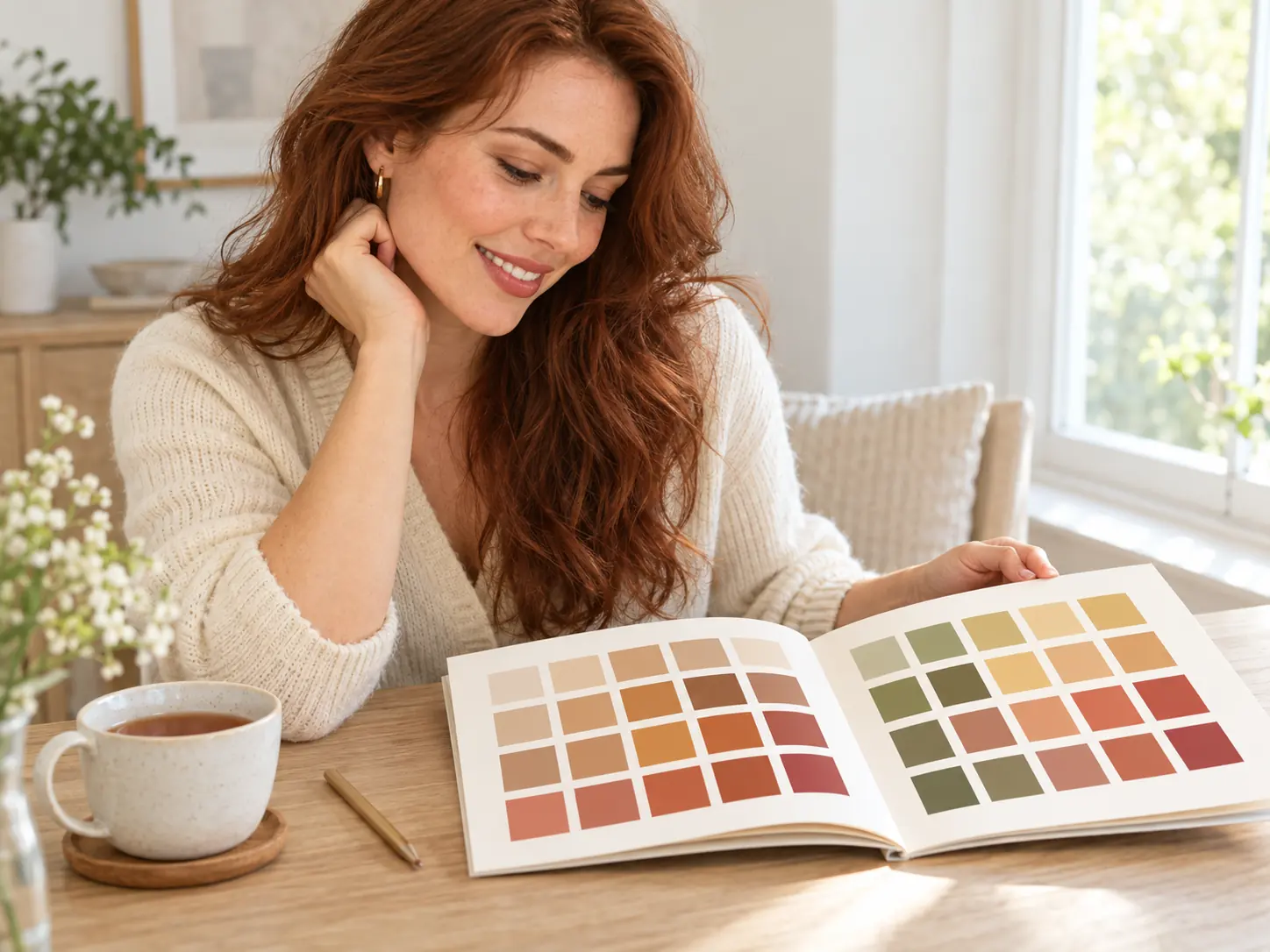
The color analysis method behind every report
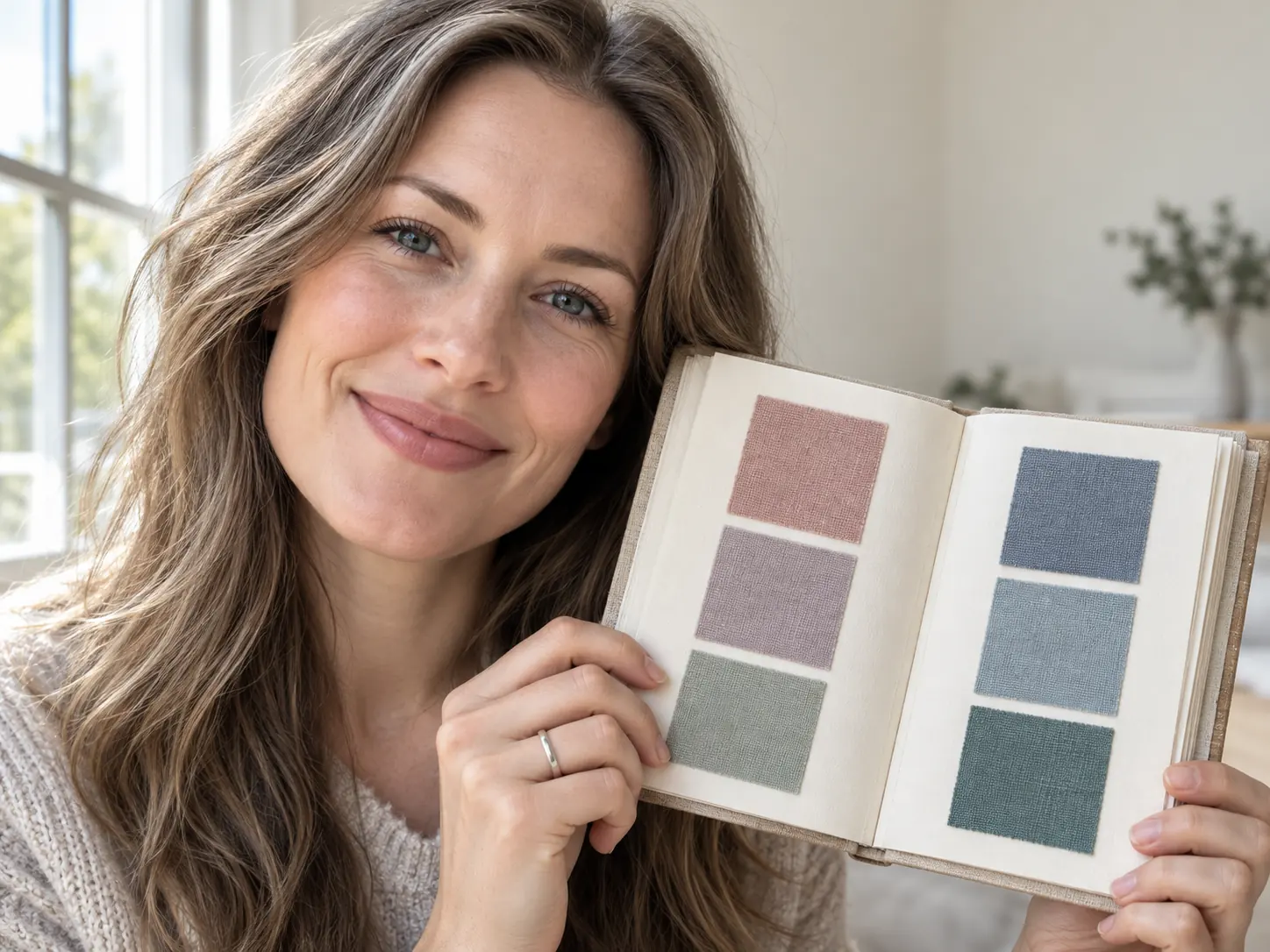
Seasonal color analysis describes your coloring with the same three dimensions color science uses for any color: hue, value and chroma. Albert Munsell organized colors this way in his color system in the early 1900s. In color analysis, hue becomes your undertone (warm, cool or neutral), value is how light or deep you are, and chroma is how bright or soft your coloring looks. Most analysts add a fourth trait, contrast: how different your hair, skin and eyes are from each other.
The four-season idea reached a wide audience with Carole Jackson and her 1980 book Color Me Beautiful. Later systems split each season into three, which gives the 12 seasons our color analysis uses, from Light Spring to Bright Winter. Each season is a mix of the four traits, and each has its own color palette. See the 12 color seasons for all of them.
From your selfie to your season, step by step
- 01
Your browser prepares the photo
Before upload, the page redraws your selfie as a JPEG and shrinks it if it is very large. Redrawing drops hidden data such as the GPS location your phone may store in the file.
- 02
We check the file
The server reads the real file type and pixel size from the bytes, not from the file name. A photo over 10 MB or under 512 pixels on a side is refused before anything is charged.
- 03
It is stored privately
The selfie goes to a private storage bucket. Only you can open it, through links that expire after a short time.
- 04
One AI reading
A Gemini vision model, reached through the provider kie.ai, reads the photo once and must answer in a fixed format: season, runner-up, confidence, the four traits with the evidence for each, the color codes it read for skin, hair and eyes, 30 palette colors, neutrals, colors to avoid, metals, makeup, hair and 4 outfit ideas. If kie.ai fails, the same photo can be sent once to the same kind of model through APIMart, our backup provider.
- 05
Our code checks the color report
Every season must be one of the 12, every color must be a valid color code and every list must have the right length. A color report that fails the check is never shown. When the analysis fails, any credits you paid come back automatically.
What the color analysis reads, and what it never does
What the full report contains, section by section, is on the AI color analysis page.
- Skin: the color on the cheek, away from shadows and blush.
- Natural hair: roots and brows, where dye matters least.
- Eyes: iris color and clarity.
- The photo itself: warm light, filters, makeup and dyed hair are named in the report instead of hidden.
- It never comments on health, ethnicity or body shape, and it never names or recommends brands.
Where an online color analysis can be wrong
One photo is not the same as sitting in daylight under fabric drapes. Light changes everything: a warm bulb pushes a result toward Autumn, a cool screen or shade toward Summer or Winter, and beauty filters flatten the contrast the color analysis needs. Phone cameras also adjust color on their own. That is why every report gives a confidence level and a runner-up season, and why two photos in different light can disagree.
Screens show colors differently, so a color swatch on your phone may not match fabric in a shop exactly. Neighbouring seasons, such as Soft Summer and Soft Autumn, can be close enough that only real drapes settle them.
We have not run a formal accuracy study, so we do not publish an accuracy percentage. A color analysis here is style guidance, not a professional or medical assessment.
For the most reliable color analysis: face a window in daylight, no filter, little or no makeup, hair visible and a white or grey top.
How the try-on images are made
Try-ons start from the same selfie. An image editing model (GPT Image 2 at 2K, through kie.ai, with APIMart as the backup) is asked to change one thing, such as the color of a top, the hair shade, the jewelry or a makeup look, and to keep your face, pose, light and background. Each try-on is 5 credits and a failed one is refunded automatically.
An AI image is a preview, not a photo: it can change small details of your face or hair, and the clothes in it do not exist. Use it to compare colors side by side, not to judge fit or fabric.
What happens to your photo
The AI providers keep logs under their own terms. The full details are in the privacy policy.
| What | Where | How long |
|---|---|---|
| Your selfie and try-on images | Our private storage | 30 days, or until you delete the report |
| A temporary copy for the AI | kie.ai file storage | Deleted by kie.ai after 24 hours |
| Report text and colors | Our database | Until you delete the report or your account |
| AI training | Nowhere | We do not use your photos to train AI models |
How we keep these pages accurate
Every product number on this site, from credits and prices to the palette size and the deletion period, is read from the same settings the app itself uses, so the pages cannot quote a price the checkout does not charge. Each page shows the date it last changed. If you find a mistake, write to support@docoloranalysis.com.
FAQ
Questions people ask
Does a person look at my photo?
No person looks at your photo to make the color analysis. The report is written by the AI model and checked by our code.
How accurate is your color analysis?
In good daylight it usually finds the right season family and often the exact season, but we have not run a formal study, so we do not quote a percentage. Each report shows a confidence level and a runner-up so you can judge it yourself.
Which AI models do you use?
A Gemini vision model through kie.ai reads the photo, and GPT Image 2 makes the try-ons. APIMart is the backup provider when kie.ai fails.
Is my photo used to train AI?
No. We do not use your photos to train AI models. Your selfie and try-ons are deleted after 30 days, or at once when you delete the report.
Why did two color analyses give me different seasons?
Usually the light: a warm room and a cool window change how your skin reads. Close neighbours, such as Soft Summer and Soft Autumn, can also swap places. Take both photos facing the same window and compare the runner-ups.
Keep exploring
AI color analysis
Upload one selfie, get a full report.

Free color analysis test
12 questions, a likely season, no sign-up.
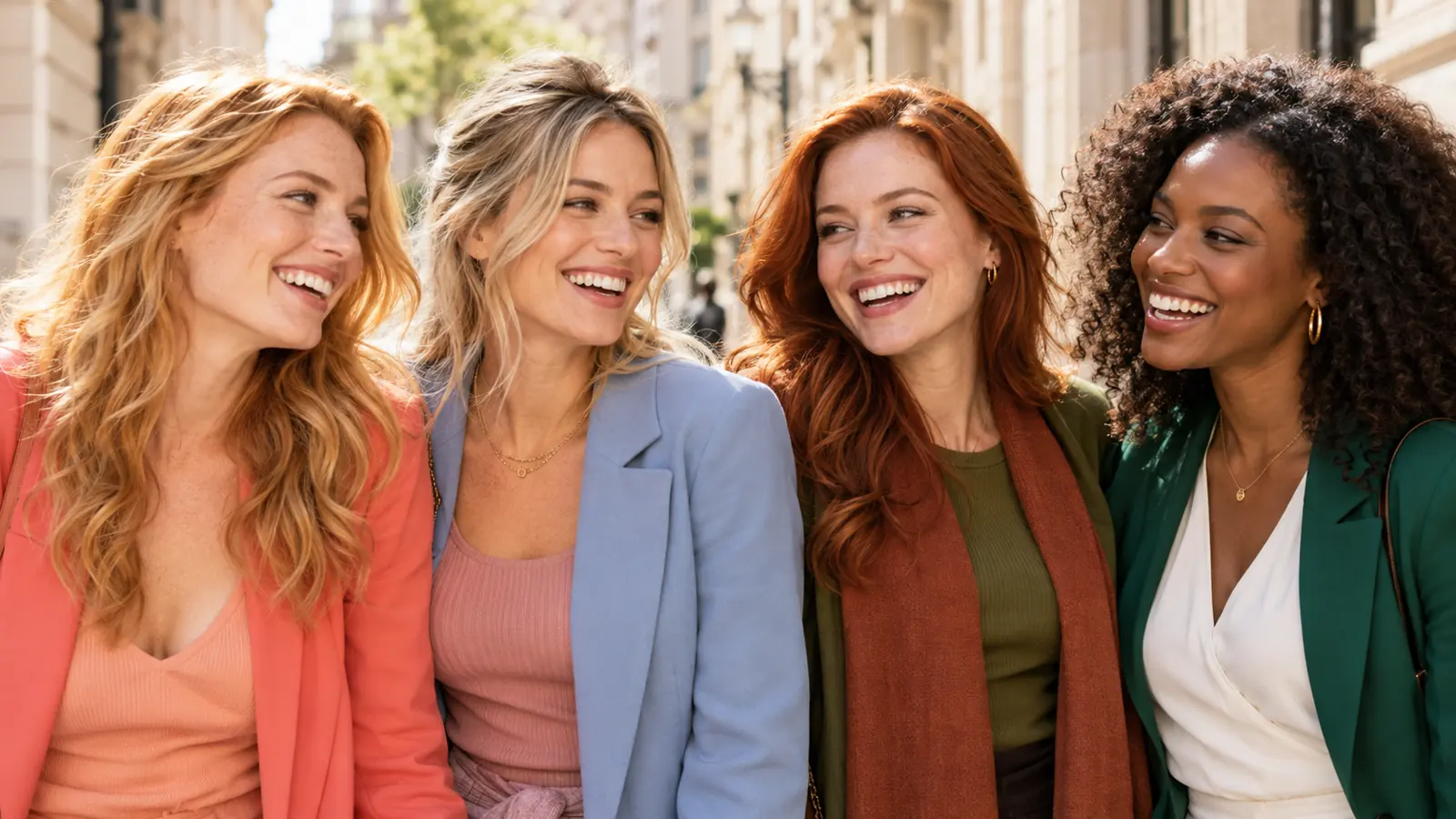
12 color seasons
Every season with its palette.
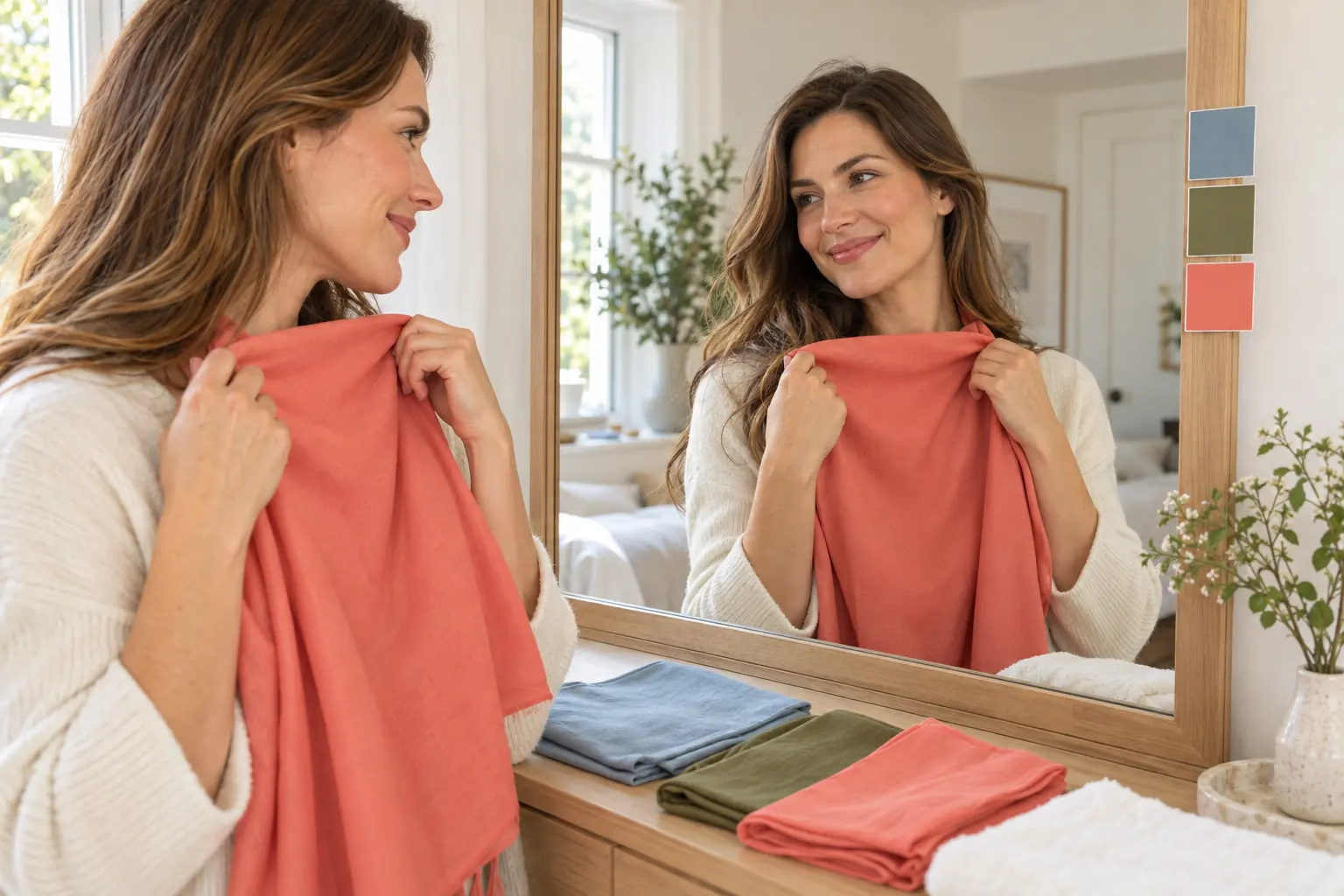
How to do color analysis
A complete DIY guide, step by step.
About us
Who we are, what we promise, how to reach us.
Pricing
One-time packs, no subscription.
Find your colors today
Start with the free test, or upload a selfie: the AI report gives your season, a 30-color palette, makeup and hair colors.